Real-Time Network Speed & Daily Data Usage
See live download and upload speeds directly in your Android status bar, explore a 30-second throughput graph, and inspect daily Wi-Fi, mobile, and per-app usage — all stored privately on your device.
Everything you need to understand your network
Fast, lightweight, and built specifically for accurate Android speed and data monitoring.
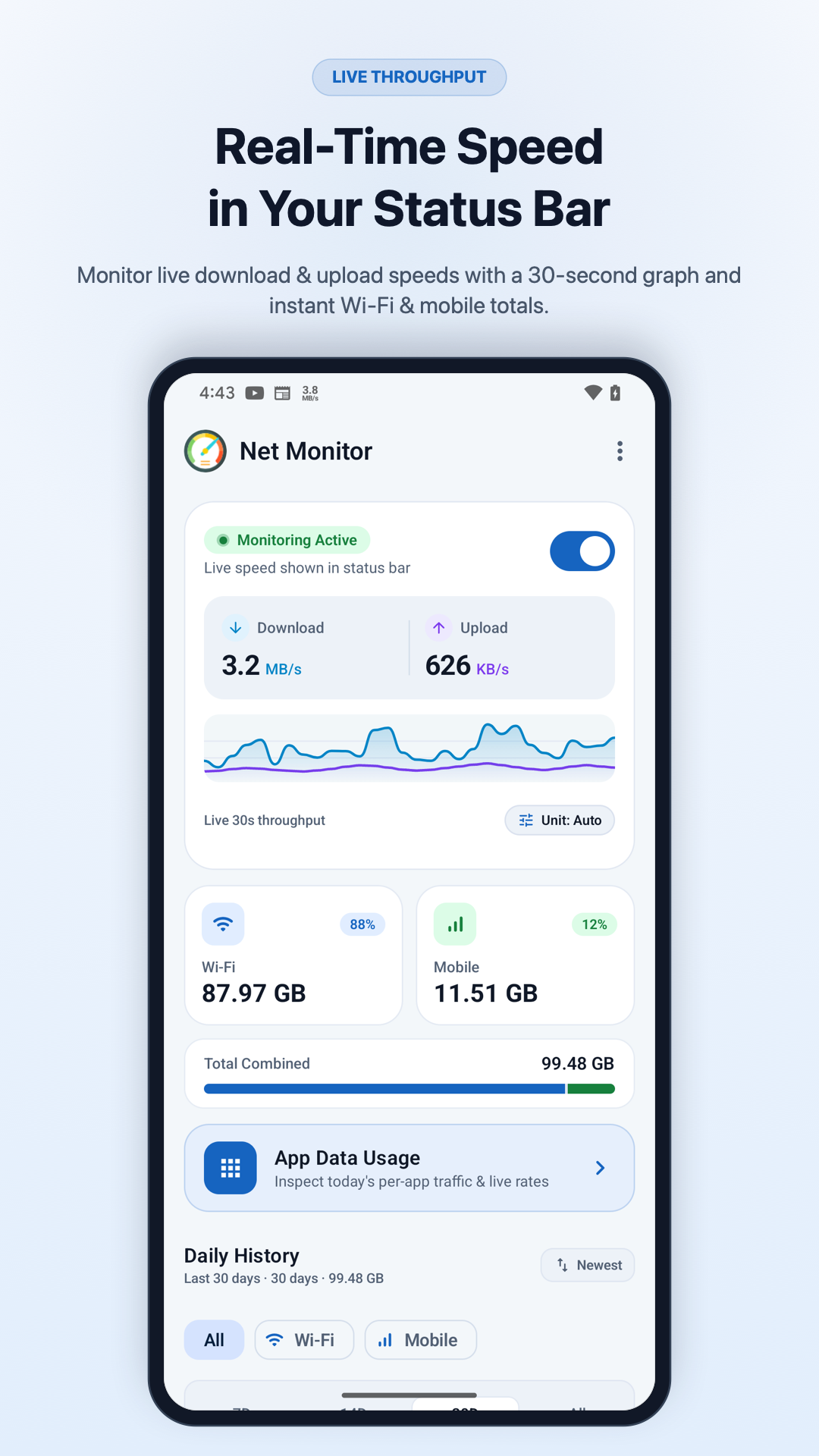
Live Status Bar Speed
Silent persistent status bar icon and notification showing real-time download and upload rates updated every second.
30-Second Throughput Graph
Visualize live download and upload bursts on an interactive dashboard card with one-tap monitoring control.
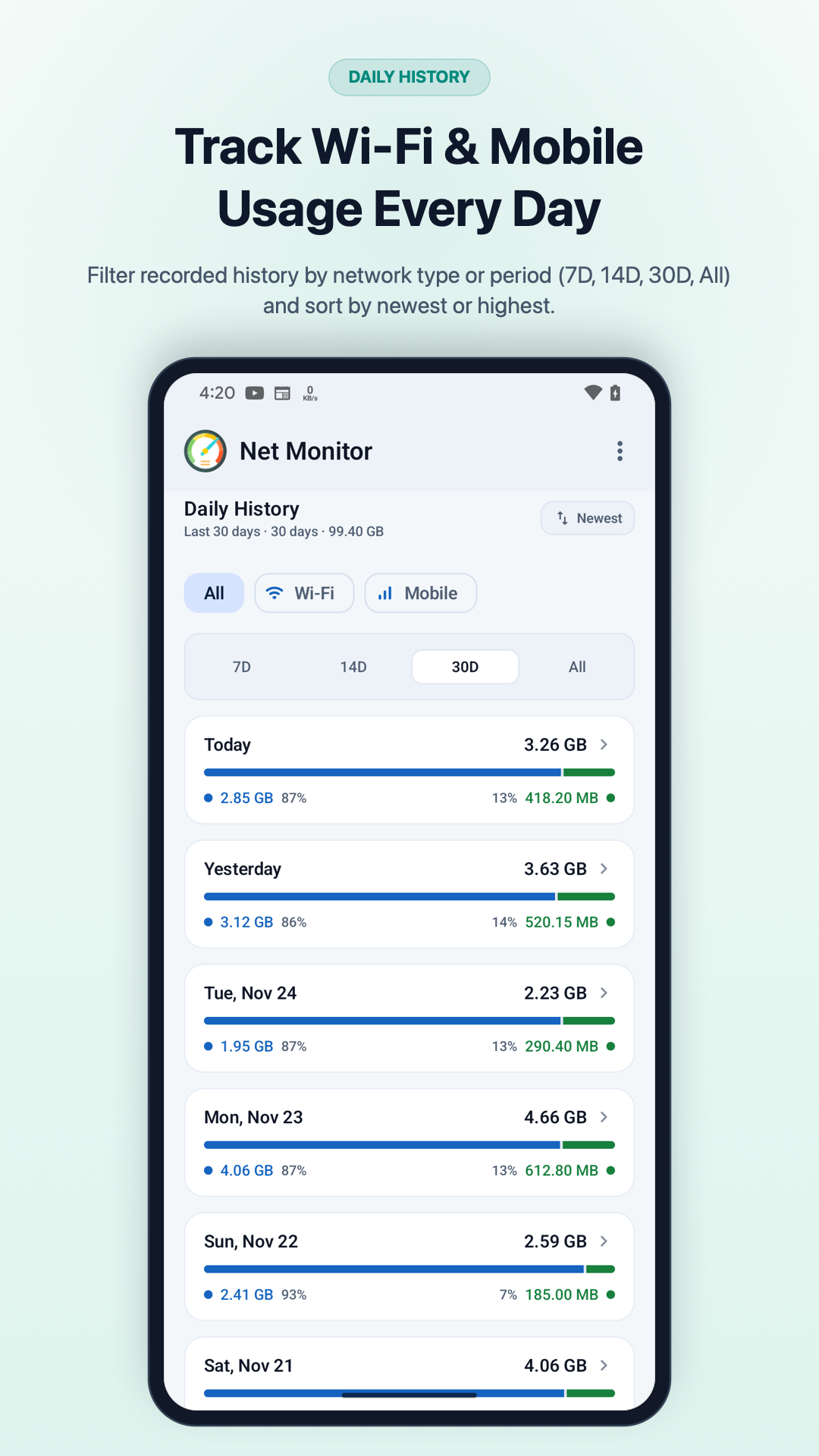
Daily Wi-Fi & Mobile History
Filter your recorded daily totals by network (All, Wi-Fi, Mobile), timeframe (7D, 14D, 30D, All), or highest usage.
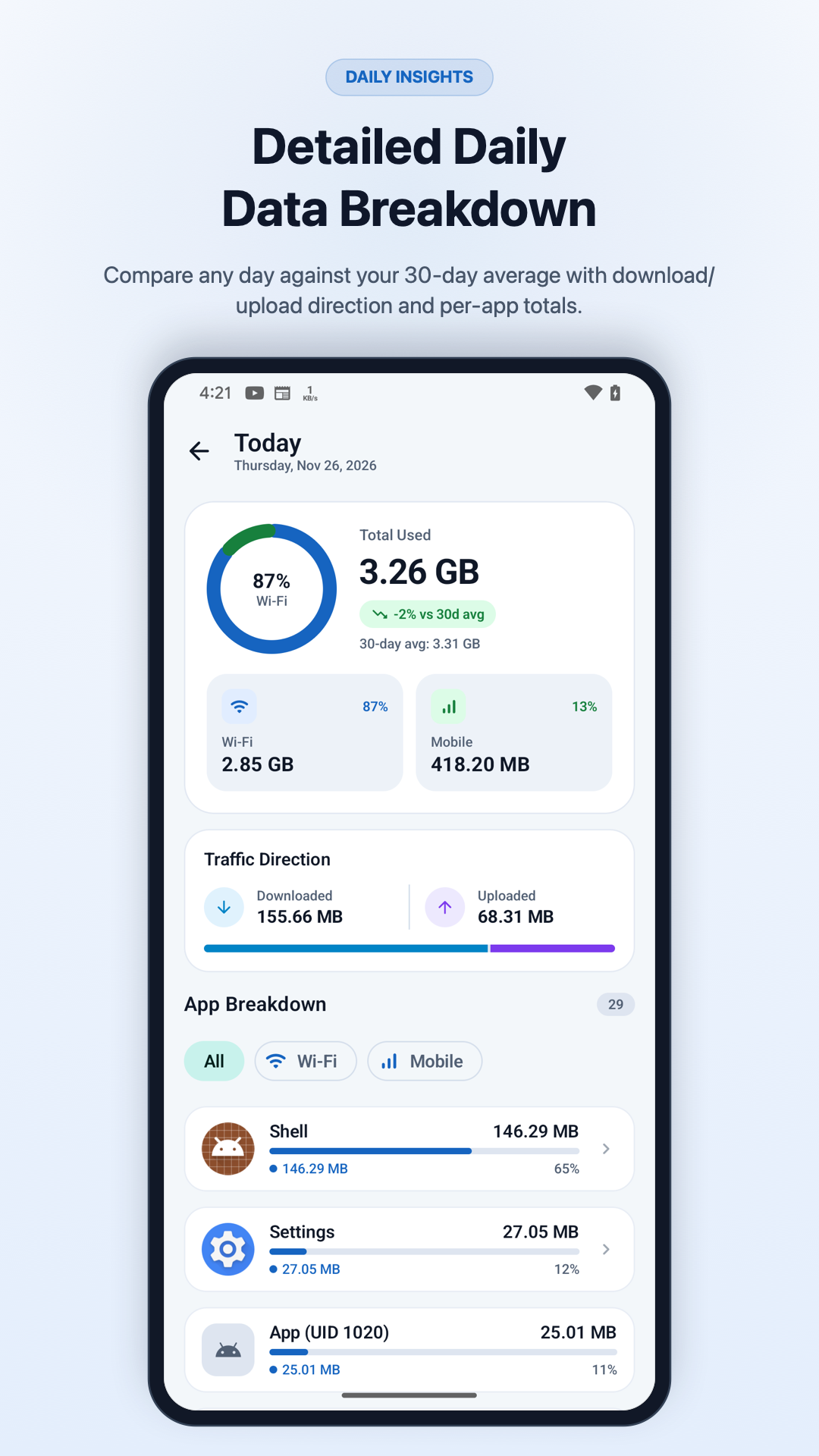
Detailed Daily Breakdown
Inspect any day with a Wi-Fi vs. Mobile donut chart, comparison against your 30-day average, and download/upload split.
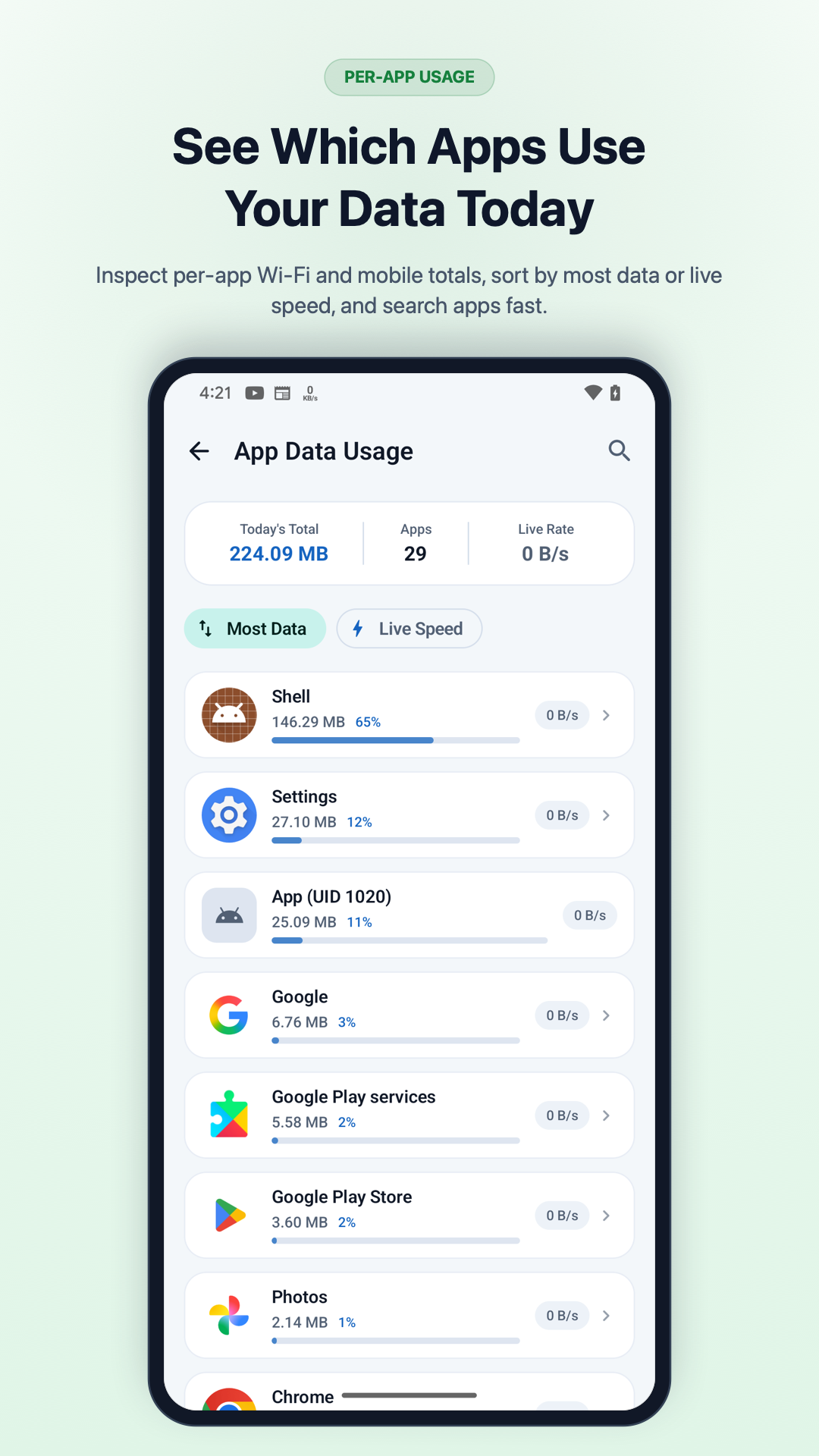
Today's Per-App Data Usage
See which apps use the most data today, sort by Most Data or Live Speed, search by name, and jump to App Info.
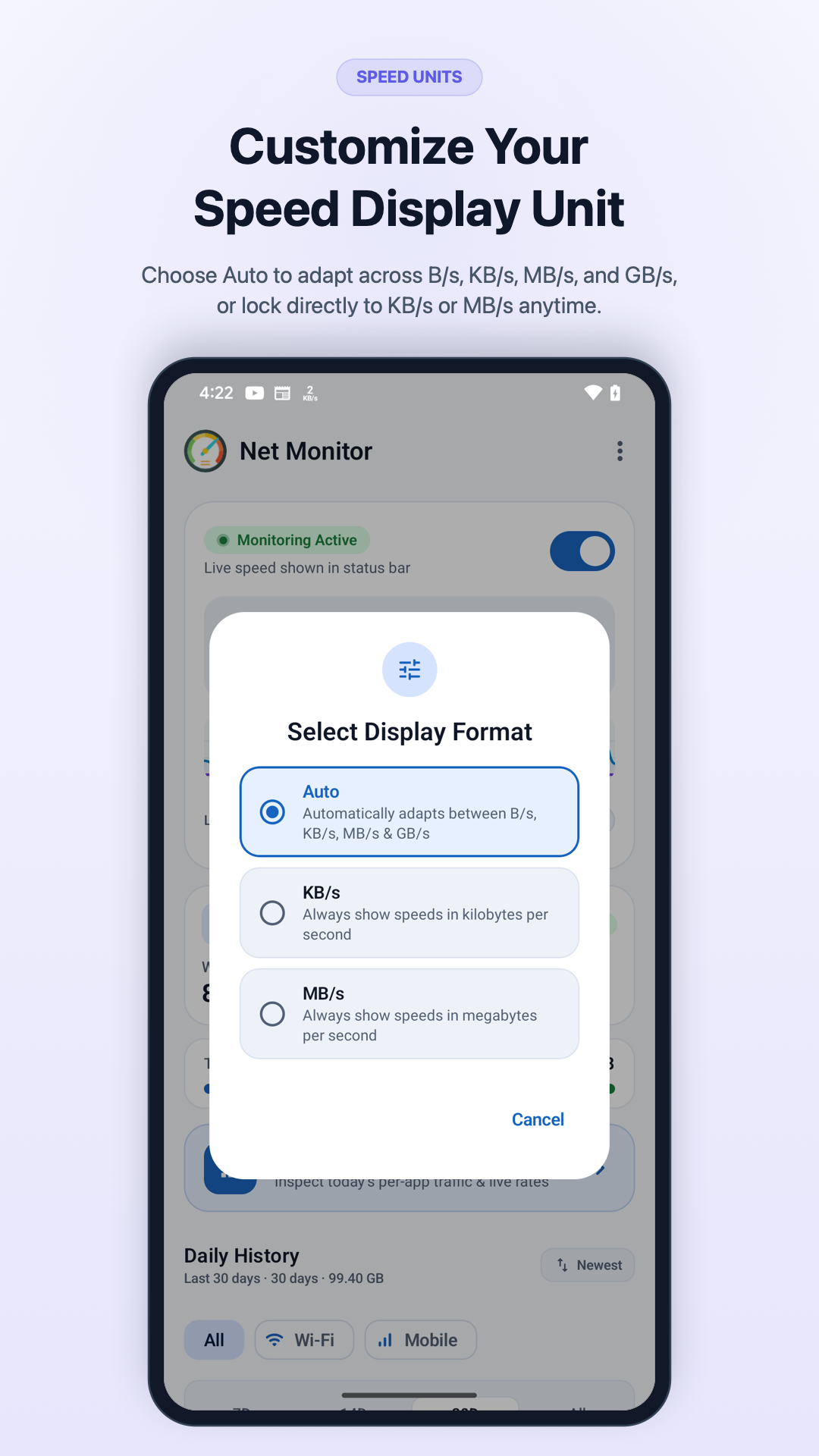
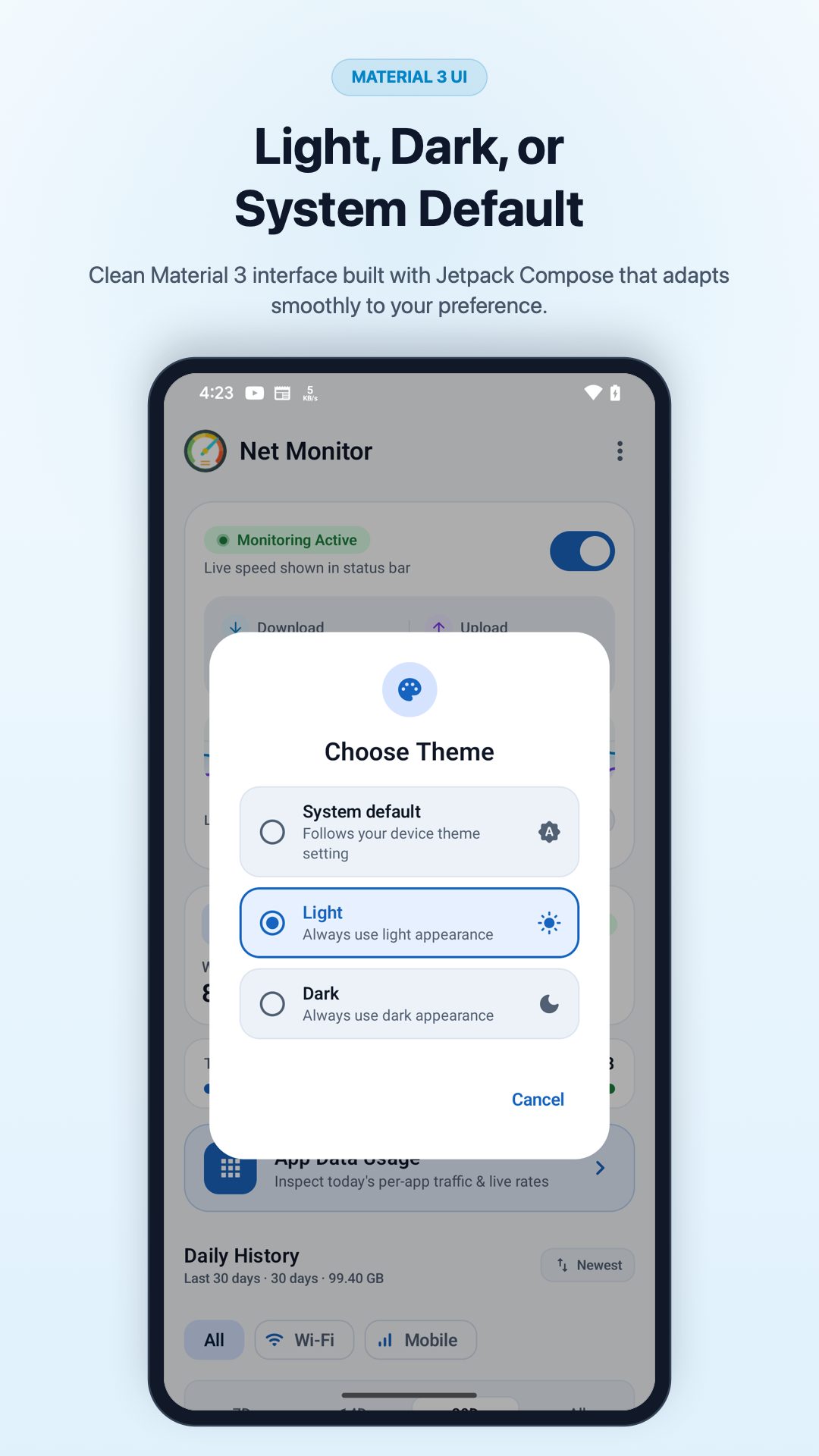
Custom Units & Themes
Switch between Auto, KB/s, or MB/s units and choose System default, Light, or Dark appearance anytime.
Clean Material 3 Design
Captured on Google Pixel 4 in Light Mode.
Your network data never leaves your phone
Net Monitor does not even declare the Android INTERNET permission. Every speed sample, daily total, and per-app breakdown is computed and stored strictly on your device.
- Notifications (Android 13+) Shows the live speed icon in your status bar and silent persistent notification.
- Foreground Service (Special Use) Maintains accurate 1-second speed updates and daily usage totals while monitoring is enabled.
- Usage Access (Optional) Only needed if you open App Data Usage or daily per-app breakdowns. Can be revoked anytime.
- Run at Startup Resumes speed monitoring automatically after reboot when you left monitoring active.